New: OphyAI Customer Service for the web, Mac and Windows
AI for Customer Service Assessment Tests
Read the question. See the best answer. Practice with mock tests.
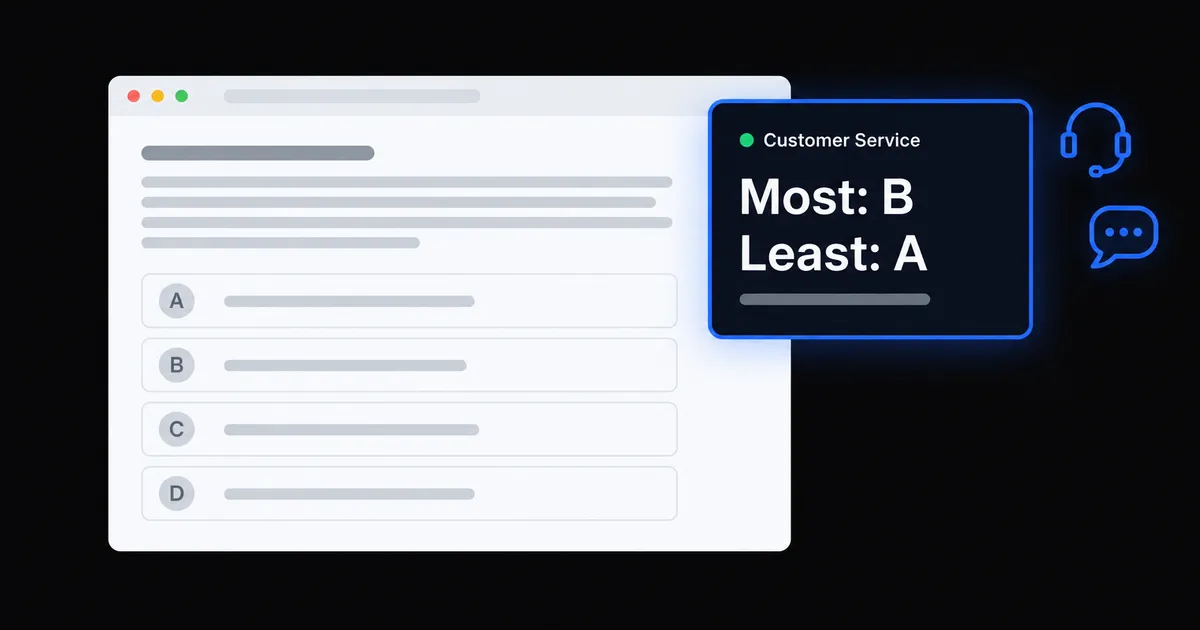
OphyAI Customer Service reads each question of an online customer service assessment on your screen and shows the best answer in a small window only you can see. Practice mode gives you realistic mock tests that explain why each option is better or worse.
The sample is free with any OphyAI account: no credits, no card. Live answers and full practice tests are on Premium.
Store associate assessmentPart 2 of 4
Scenario 7 of 20
A customer wants to return a jacket bought 34 days ago. The return window is 30 days and she is upset. Pick the most and least effective response.
ATell her the policy is 30 days and there is nothing you can do.
BApologize, check whether a manager can approve an exception, and explain her options.
CProcess the refund right away so she leaves happy.
DAsk her to come back when the store manager is in tomorrow.
Sharing entire screen
What a screen share or recording sees (desktop app)
Store associate assessmentPart 2 of 4
Scenario 7 of 20
A customer wants to return a jacket bought 34 days ago. The return window is 30 days and she is upset. Pick the most and least effective response.
ATell her the policy is 30 days and there is nothing you can do.
BApologize, check whether a manager can approve an exception, and explain her options.
CProcess the refund right away so she leaves happy.
DAsk her to come back when the store manager is in tomorrow.
OphyAI · Customer Service Auto
Most and least effective
Most: B
Least: A
B shows care and owns the problem within the rules. A shuts her down.
What you see
What is a customer service assessment?
A customer service assessment is an online test that employers send to people who apply for customer-facing jobs. Stores, pharmacies, grocery chains, call centers, banks, hotels, airlines and clinics use them to see how you would treat a customer, often before an interview.
Most of the test is customer situations: you read or watch a short scene and pick, rate or rank the responses. Many tests add work style questions, and some add a recorded video answer or a chat or email reply. Check your invite email for how long it takes and when it is due.
Example answers above are made up to show the layout. On test day, Auto answers each new question as it appears, in seconds.
How it works
Use it on the web or in the desktop app
Start a live session right before your test. It opens a 2-hour window, so you can leave and come back. Add the company name; the role and a resume are optional.
On the web
Chrome or Edge on a computer
1
Open your test
Open the assessment in Chrome or Edge, as you normally would.
2
Share the test tab once
Start a live session in OphyAI with the company name, then pick the test tab. Keep "Also share tab audio" checked so customer video clips are heard.
3
Answers appear
Each new question is answered on the OphyAI page and in a small floating window. With Auto off, click Read now.
The floating window is hidden from the other side only when you share a single tab or window, not your entire screen.
Works in Chrome or Edge on a computer and in the OphyAI desktop app for Mac and Windows. It is not in the iPhone or Android apps.
Practice mode
Customer service practice tests that explain every answer
Practice tests of 5, 10 or 20 original questions for six kinds of jobs. The customer's line is read aloud, every option is explained, spoken and typed answers get AI feedback, and you finish with a skills scorecard.
5, 10 or 20 questions per test, from a bank of 140+ original questions.
The customer's line is read aloud, like the video questions.
Every option is explained: why the best one wins and why the others are worse.
AI feedback on spoken and typed answers: what worked, what to fix, and a stronger answer.
Tailor the scenarios to a company, or keep them general.
A skills scorecard at the end, with three things to practice.
Practice questions are original, written to match common formats. They are not copied from any employer's test.
Practice test · Call center10 questions
Skills scorecard
72
Okay
Stays calm84
Shows care78
Owns the problem66
Follows the rules74
Knows when to escalate52
Focus skill
Knows when to escalate. Escalate when the issue is above your authority or involves safety, fraud or a threat. Not for every complaint.
Example scorecard. Your scores come from your own answers.
Six job types to practice for
Pick the one closest to the job you applied for, or General for a mix of every setting.
Retail store
Stores, grocery, front-store pharmacy, cashier
Pharmacy
Pharmacy tech and counter: privacy, prescriptions, insurance
Call center
Phone, chat and email support, billing, telecom
Bank and finance
Teller, branch, fraud, ID checks, account rules
Hotel, restaurant and travel
Hotels, restaurants, airlines, gate agents
Healthcare front desk
Patient access, scheduling, insurance, privacy
The five skills behind the best answers
Your practice scorecard rates each one. Here is one habit to build for each.
01
Stays calm
Pick the response that lowers the temperature first: acknowledge, then act. Matching an upset customer's tone is almost never the best pick.
02
Shows care
Lead with the customer's feeling before the fix. Saying sorry for their experience is not the same as admitting fault.
03
Owns the problem
Prefer answers where you solve it yourself or stay with the customer until it is handed off, with a clear next step.
04
Follows the rules
Follow the rule even when the customer pushes, then offer what you can do within it. In pharmacy, bank and healthcare jobs, privacy and ID checks come first.
05
Knows when to escalate
Bring in a manager when the issue is above your authority or involves safety, fraud or a threat. Not for every complaint.
Customer service assessment guides by employer
Each guide covers what that test asks, its question types, how it is scored and how to prepare.
Credits are one balance shared with Interview Copilot, resumes and the other tools. Interview Pass and free Interview Copilot trials do not include Customer Service.
What it does not do
It does not work inside lockdown or proctored browsers, it does not take typing-speed tests, and hiding a window from screen share does not hide it from a webcam, a person in the room, or proctoring software.
·It is not in the iPhone or Android apps. Live answers need a computer.
·On the web, the floating window is hidden from the other side only when you share a single tab or window, not your entire screen.
·It does not use an answer key. Each answer is worked out from the question on your screen.
Customer service assessment questions
It is an online test many employers send after you apply for a customer-facing job, like a store, pharmacy, call center, bank, hotel or front desk role. Most of it shows you customer situations and asks how you would respond. Many tests also ask about your work style, and some add a recorded video answer or a chat or email reply to a customer. Check your invite email for how long it takes and when it is due.
Most call center questions are customer scenarios. Here is one we wrote: a caller says she was charged twice this month, and you can see both charges. The best answer confirms the error, says sorry and starts the refund while she is on the line. The weakest tells her the extra charge will probably drop off on its own. Many call center tests also have work style statements, a chat or email reply, a recorded answer and a typing test. OphyAI Customer Service helps with all of these except typing tests, which it does not take.
Yes. Anyone with a free OphyAI account can try a 3-question sample on any plan, with no credits and no card. You see the best answer and why the other options are worse. Full practice tests of 5, 10 or 20 questions are on Premium and use 5 credits each. Every practice question is original, written to match common formats.
Start a live session right before your test and add the company name. The role and a resume are optional. On the web, open the test in Chrome or Edge and share the test tab once. In the desktop app for Mac and Windows, the popup opens on top of your test. With Auto on, each new question is read as it appears and answered in seconds. A session uses 15 credits and stays open for 2 hours.
It reads the question on your screen, so it is not tied to one employer or test maker. It is built for the formats these tests use: customer scenarios where you pick, rate or rank responses, work style statements, recorded video questions, and chat or email replies. It works in Chrome or Edge on a computer. The desktop app also works with tests in another browser or in an employer's own test app. It does not work inside lockdown or proctored browsers.
Yes, for the parts most call center assessments share: customer scenarios, work style questions, recorded answers and chat or email replies. If the test plays a clip of a customer talking, the desktop app can hear it with Listen to clips, and on the web it hears the clip when you share the tab with its audio. It does not take typing-speed tests. Practice mode has a call center job type with phone, chat and email support scenarios.
No. OphyAI does not take typing-speed tests. For a chat or email question, it writes a reply you can copy with one click, but a test that times your typing is not something it does.
No. Live answers need a computer: Chrome or Edge on the web, or the OphyAI desktop app for Mac and Windows. Customer Service is not in the OphyAI iPhone or Android apps.
In the desktop app, macOS and Windows leave the popup out of screen sharing and screen recording, so a share shows what is behind it. On the web, the floating window is hidden from the other side only when you share a single tab or window, not your entire screen. Neither one hides from a webcam, a person in the room, or proctoring software, and it does not work inside lockdown or proctored browsers.
On a live test, it reads each question as it appears and shows the best answer for that question. It does not use an answer key or copies of any employer's test. Practice questions are original, written to match common formats, and each one explains why every option is better or worse.
Customer Service is on the Premium plan: $59 a month with 500 credits. A live session uses 15 credits and stays open for 2 hours. A practice test uses 5 credits. The 3-question sample is free on any plan. Interview Pass and free Interview Copilot trials do not include Customer Service.
Create a free OphyAI account and try 3 practice questions at no cost. On test day, OphyAI Customer Service reads each question on your screen and shows the best answer in a window only you can see.